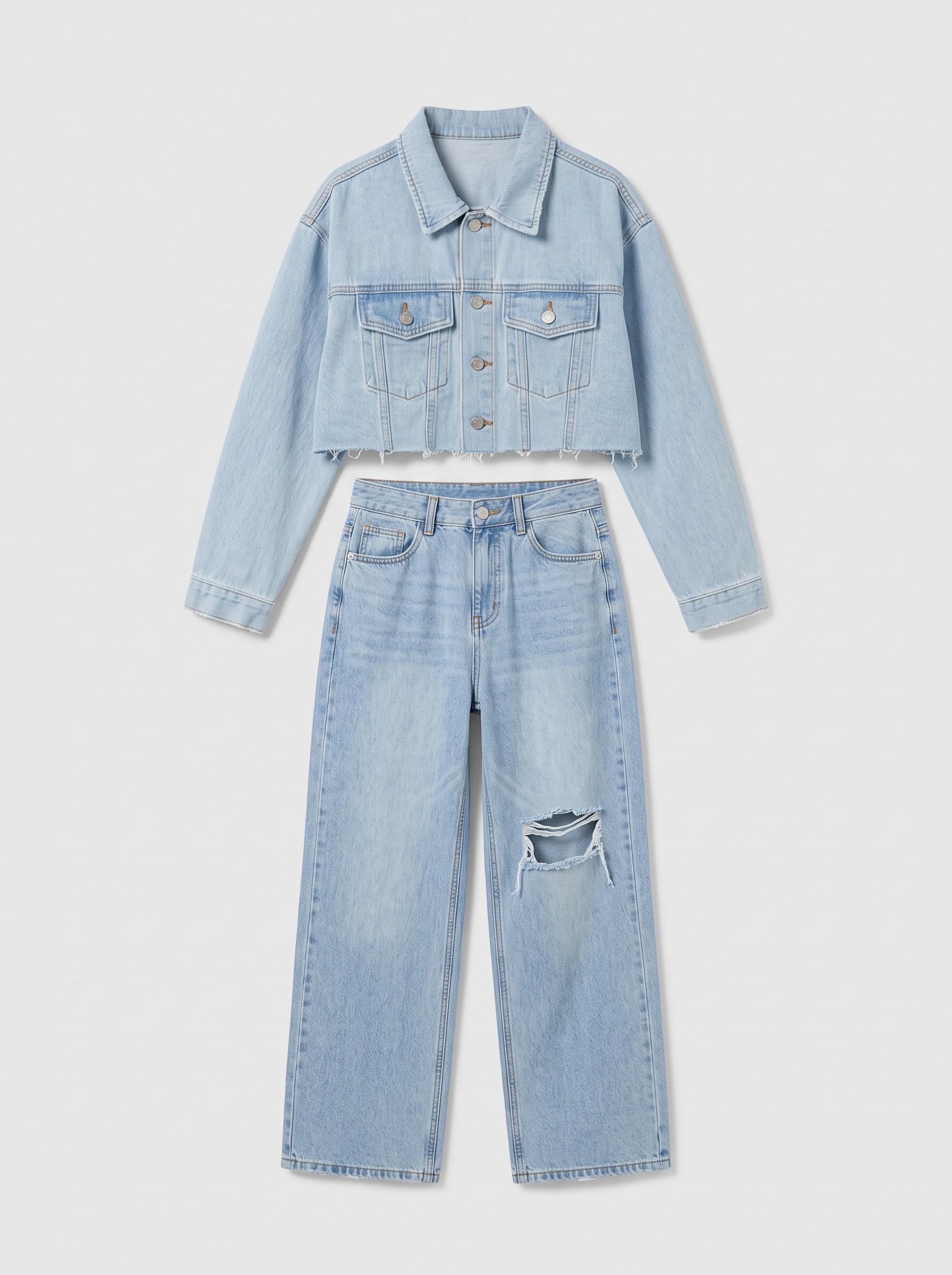
The Need for a Structured Pipeline
Processing product images individually, ad-hoc, guarantees inconsistency and creates a massive operational bottleneck. To scale a catalog efficiently, you must treat image preparation as an assembly line. Every asset should pass through a standardized, sequential workflow before being published to the storefront.
The 10-Step Image Workflow
- Source Acquisition: Gather the highest resolution raw files from the photographer or supplier. Do not accept pre-compressed assets.
- Image Cleanup: Remove dust, scratches, or manufacturing defects. Use watermark removal or inpainting tools to clean up any unwanted artifacts in the background.
- Background Preparation: For hero images, isolate the product using a background remover and drop it onto a pure white or brand-specific hex color canvas.
- Color Correction: Check the white balance and adjust saturation to ensure the digital representation perfectly matches the physical product in natural light.
- Cropping & Framing: Crop the image to center the product and establish the strict padding rules (e.g., 10% margins) decided by your visual guidelines.
- Resizing: Scale the image to your platform's required dimensions (e.g., 1500x1500px for Shopify zoom capability).
- Format Conversion: Convert the heavy master files (TIFF/PNG) into modern, web-optimized formats like WebP or highly compressed JPGs.
- Compression: Apply aggressive but visually lossless compression to reduce the final file size to the target range (typically 100kb–250kb).
- Naming Conventions: Rename the final files logically for SEO and internal organization (e.g.,
brand-product-color-angle.webp). - Quality Control Review: Perform a final visual check on a mobile device and desktop monitor before uploading to the CMS or marketplace.
Where AI-Assisted Production Fits
For modern brands, this workflow is augmented heavily by AI. Instead of manually erasing backgrounds or creating complex lifestyle scenes from scratch, AI tools can automate the isolation, generate dynamic contextual backgrounds, and handle batch resizing, drastically reducing the manual labor required between steps 2 and 7.
Ready to automate your production pipeline?